.jpg?width=100&height=75&name=NextPax%20logo%20(3).jpg)
Prerequisites
Before starting the import process, make sure the following requirements are met:
- Your Account Settings are completed
- Your Airbnb - Channel Settings are configured
- At least one Airbnb host account is added and authorised in NextPax
If any of these are missing, you will not be able to proceed with the import.
Step 1: Navigate to Airbnb Connection
- Go to Channels
- Click on Connect Properties
- Select Airbnb
This is where you can connect properties that are already built previously on Airbnb.
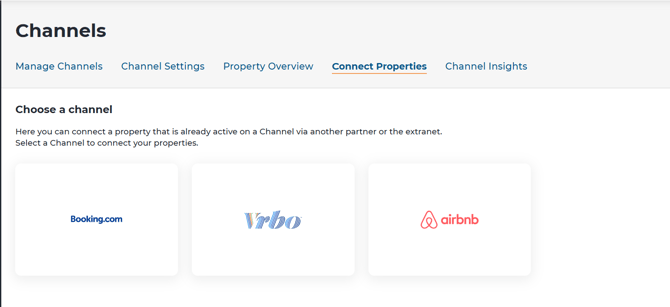
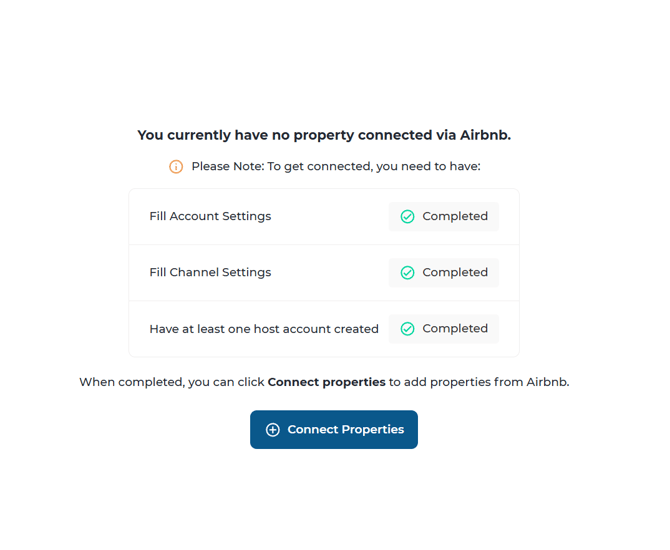
Step 2: Select Host Account
- Choose the host account you want to import properties from
- If no account is available, go to Channel Settings to add one
Once selected, click Connect Properties to proceed
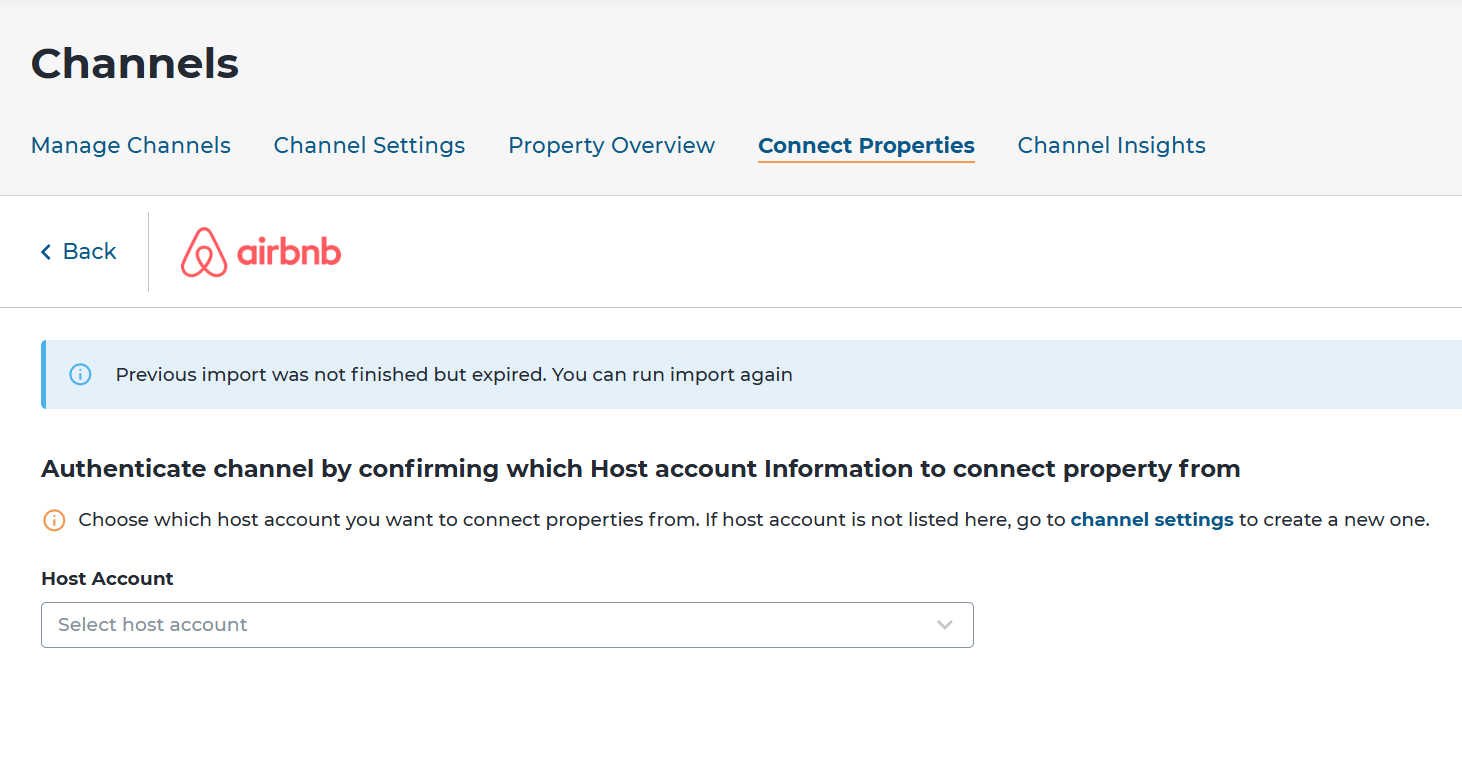
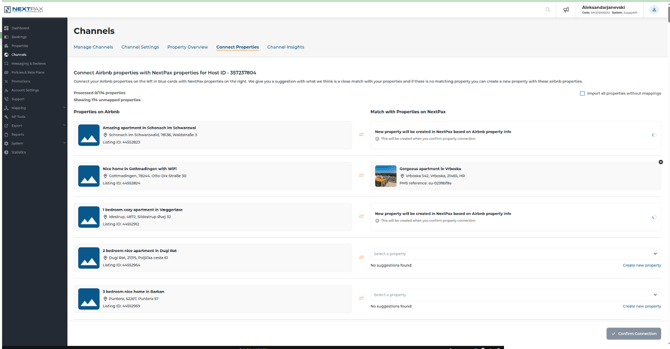
Step 3: Map Your Properties
After selecting your host account, you will be taken to the connection screen:
- If a property already has an Airbnb Listing ID in NextPax → it will be automatically mapped
- If not → you must:
- Select an existing property in NextPax, or
- Create a new property
This ensures all Airbnb listings are correctly linked to your NextPax inventory
Step 4: Start the Import
- Click Confirm Connection
- The import process will start immediately
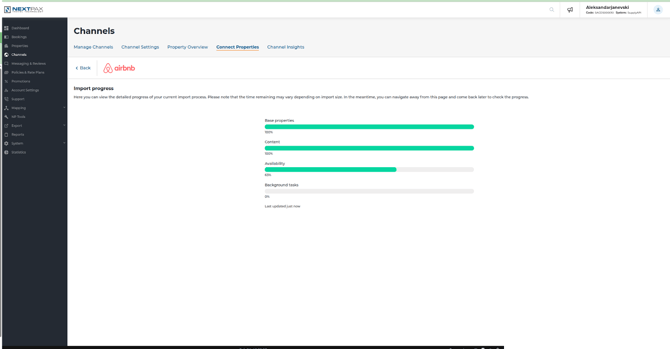
- You can track progress in real-time (base properties, content, ARI, reservations)
Step 5: Review Imported Properties
Once the import is complete:
- You will see an overview of all connected properties
- Each property will show:
- Property ID
- Host account ID
- Connection status
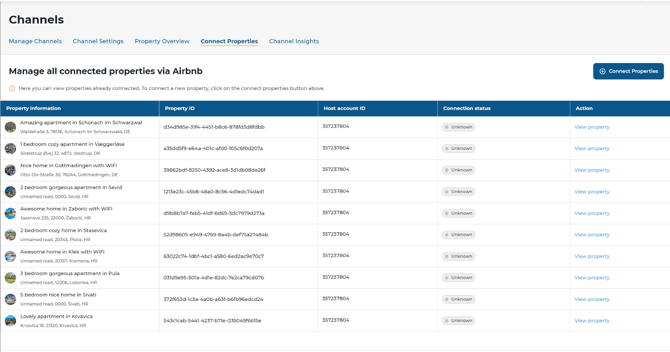
From here, you can manage and verify your Airbnb connections.