.jpg?width=100&height=75&name=NextPax%20logo%20(3).jpg)
When navigating to our Promotions tab in the NextPax Application, you can select - Add New Promotion and select Airbnb as the channel you want to build the promotion for.
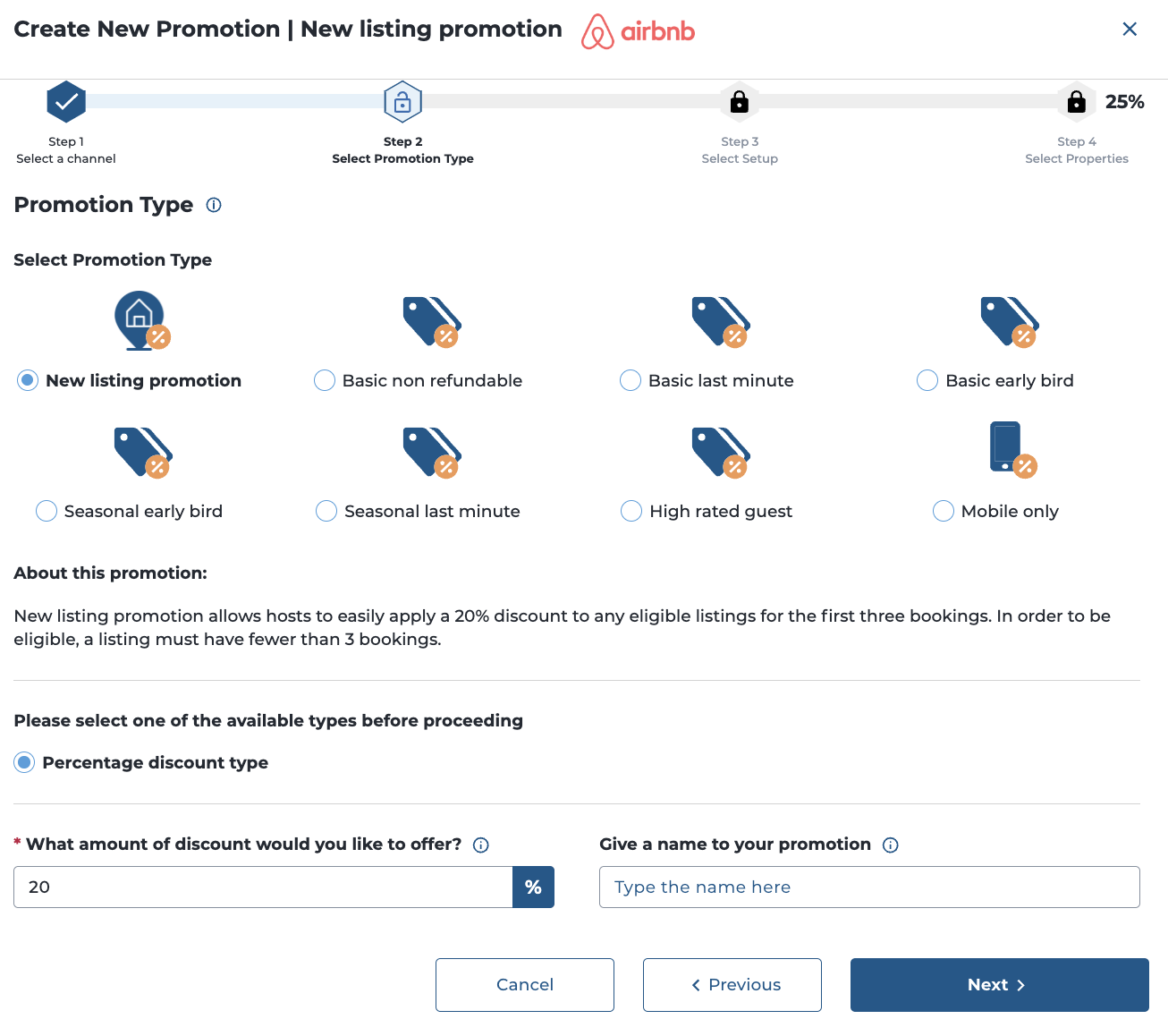
As you see the 20% is prefilled and cannot be changed for this promotion, you can provide a personalised name for this promotion.
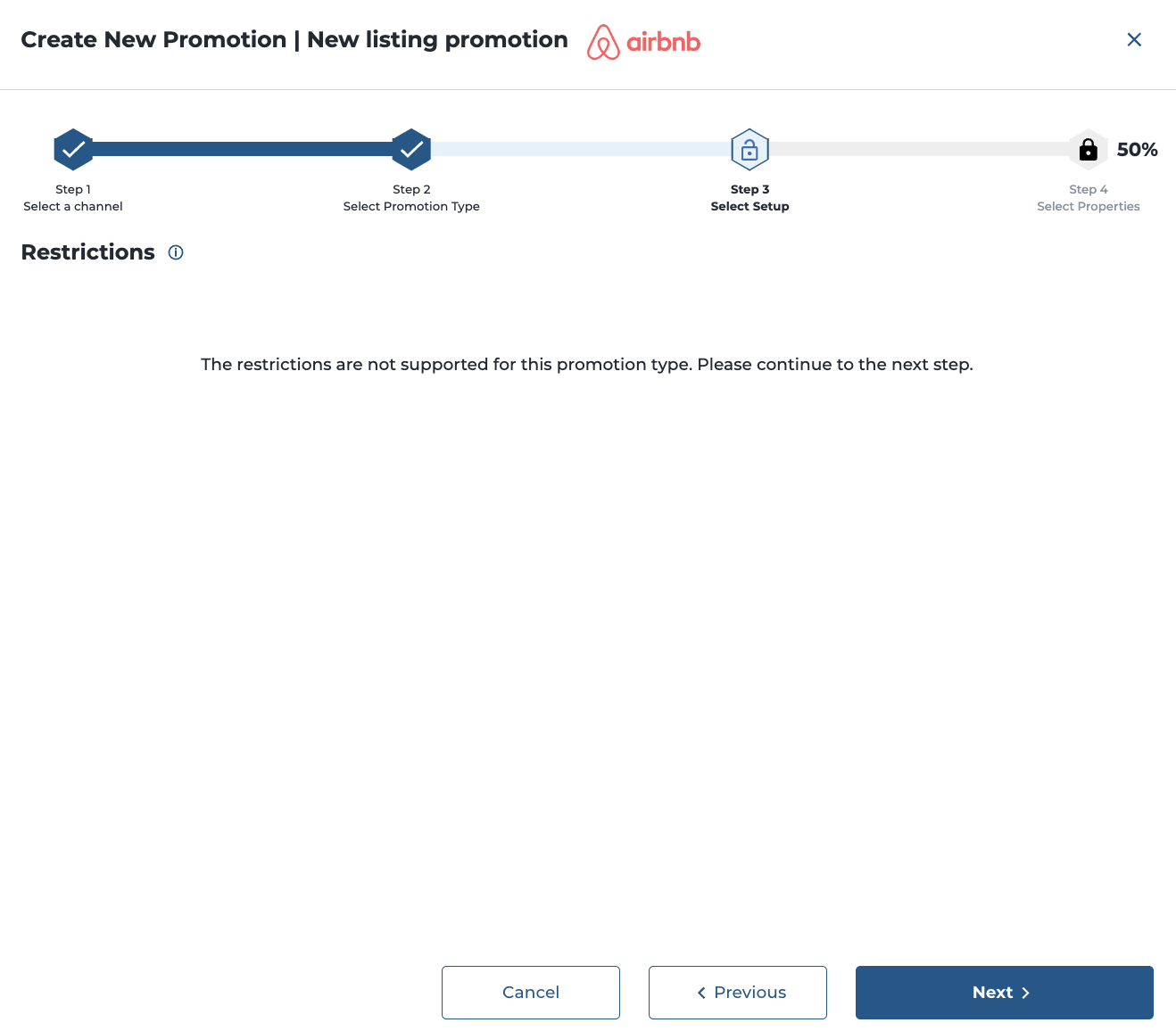
In this screen normally you can set restrictions to the promotion, however since Airbnb is managing that this promotion is only valid for the first 3 bookings on new properties, this is not available - advance to the next step.
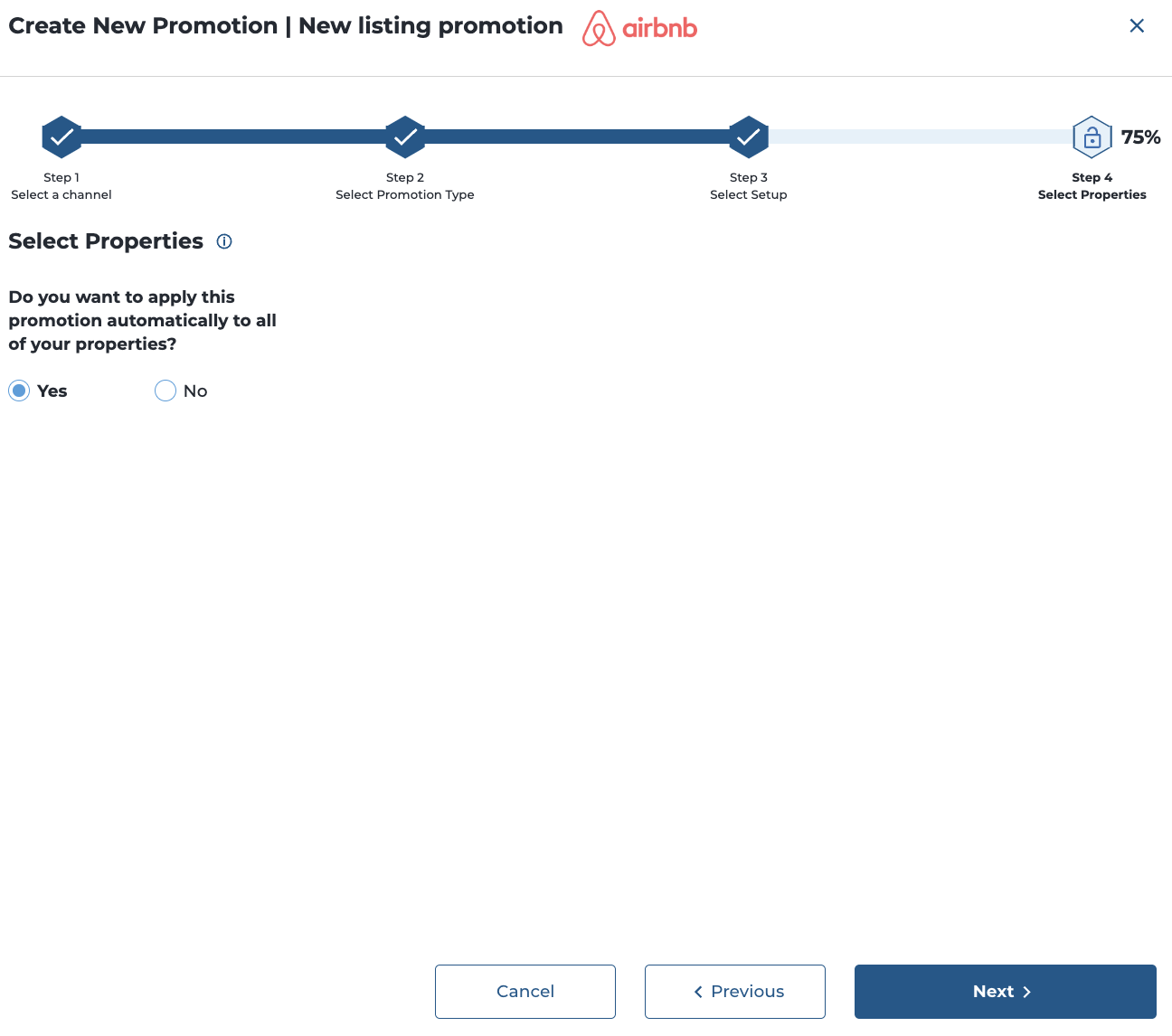
In the next step you can enable the bulk functionality, so each time when new properties are onboarded under your account to Airbnb, the new listing promotion will be applied. If you select no you need to select for what accommodations you'd like to activate this for.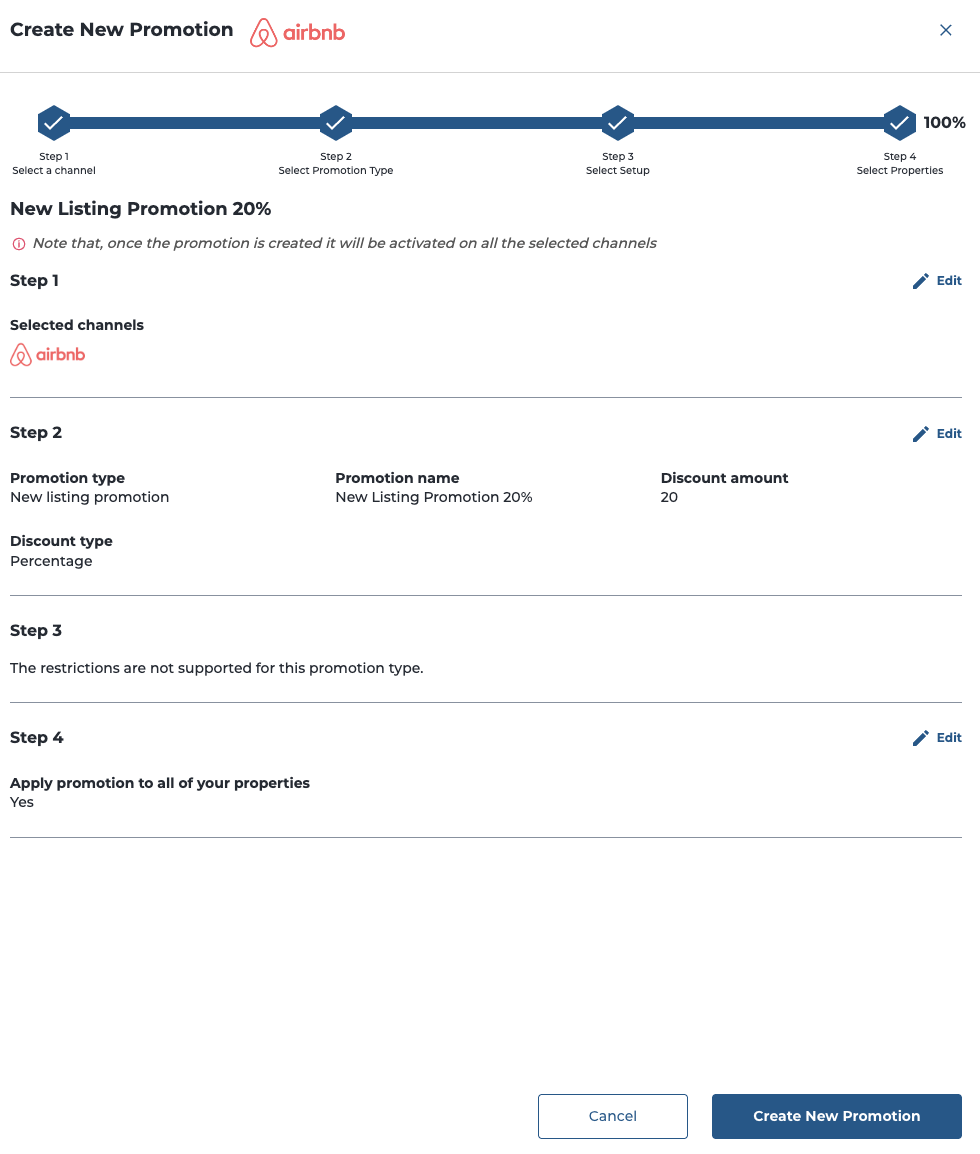
The system aggregates all your input into a review, do a final check and Create New Promotion